

Delta Widgets Are Now on Android
Published on
November 3, 2025
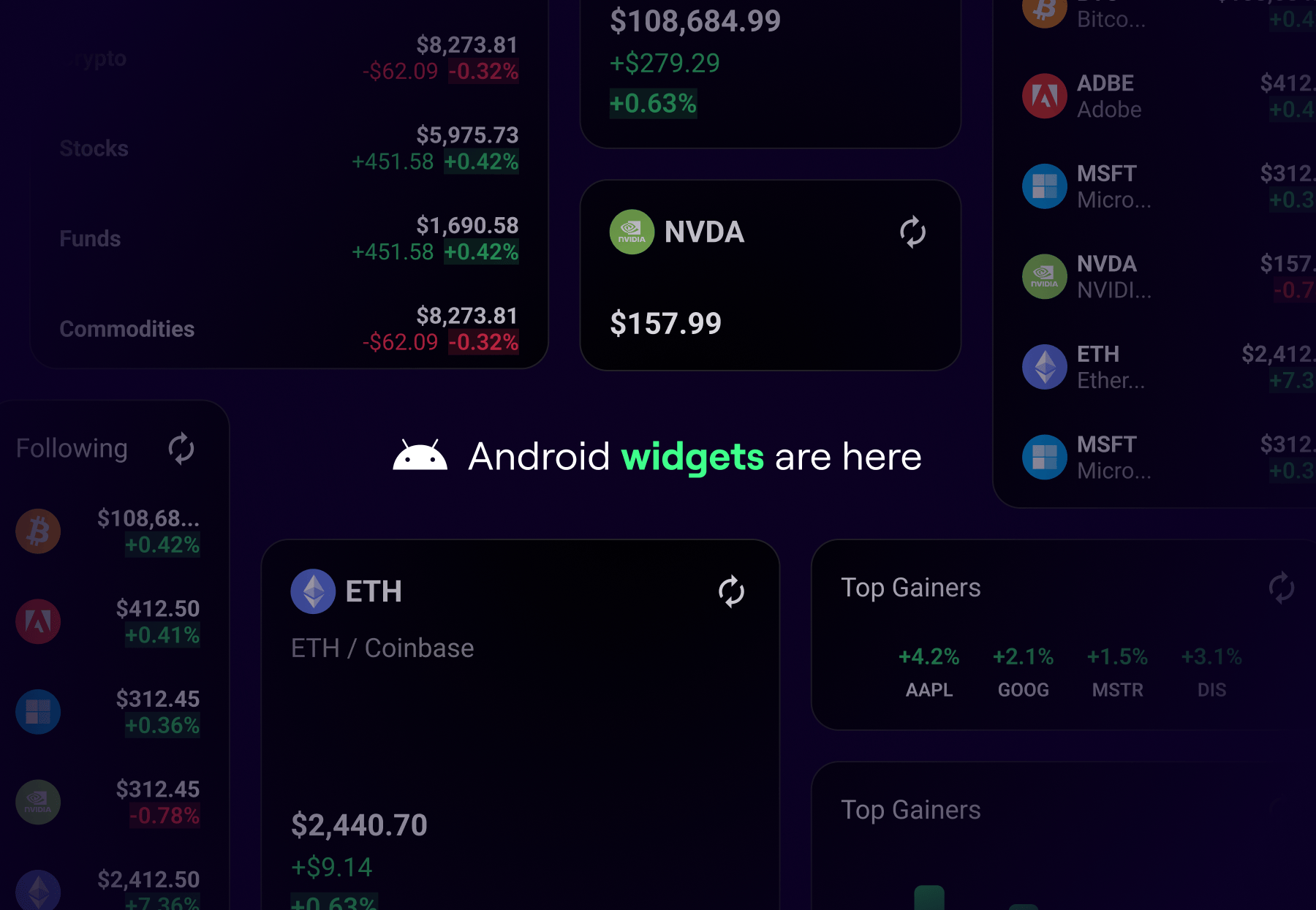
Delta Widgets Are Now on Android: Here’s How to Use Them
You asked, we delivered. Widgets are now live on Android! After making waves on iOS, we're bringing the same superpowers to your Android home and lock-screens. No taps, no fuss to keep your portfolio in sight.
In this post, we'll break down each widget you can use, what it does, and how to set it up on both Android and iOS.
📈 Available Widgets
1. Single Asset Widget
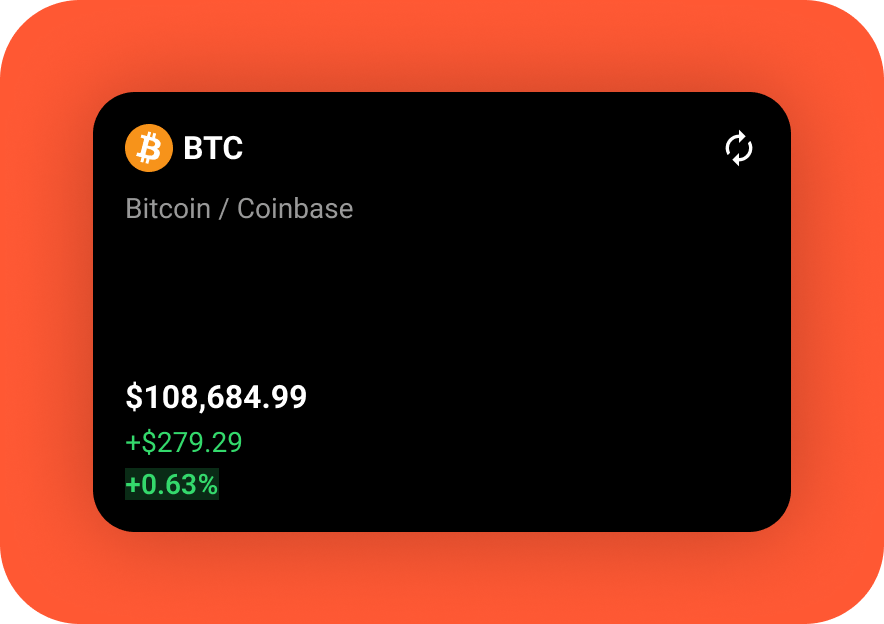
Track the price and performance of your most important asset in real time, right from your screen. Whether it’s your biggest holding or the one you’re watching closely, the Single Asset Widget keeps it in sight all day with both price and performance updates.
2. Top Gainers & Losers Widget
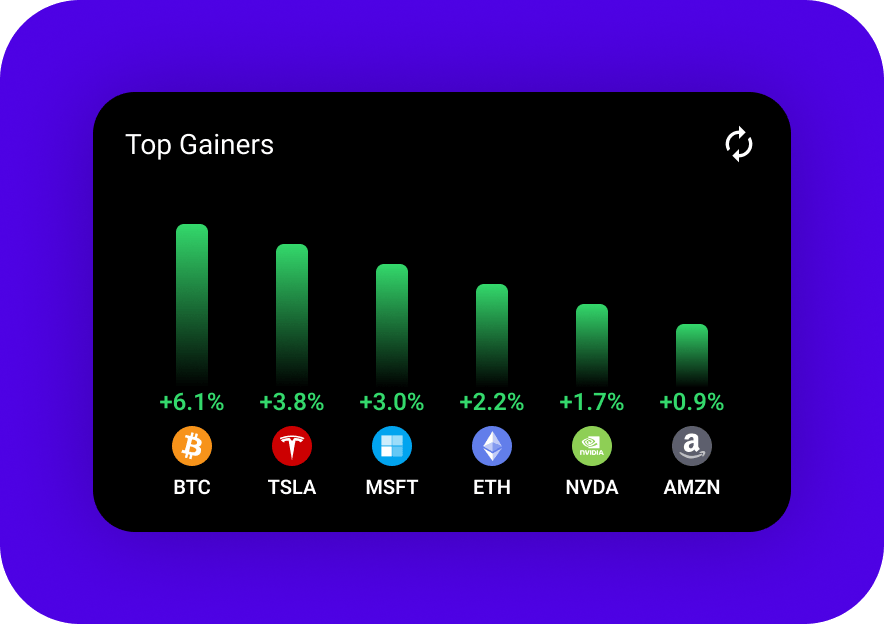
See what’s moving with a quick glance. The Top Gainers & Losers Widget highlights the biggest risers and fallers among your followed assets, so you’re always on top of market momentum and surprises.
3. Following Widget
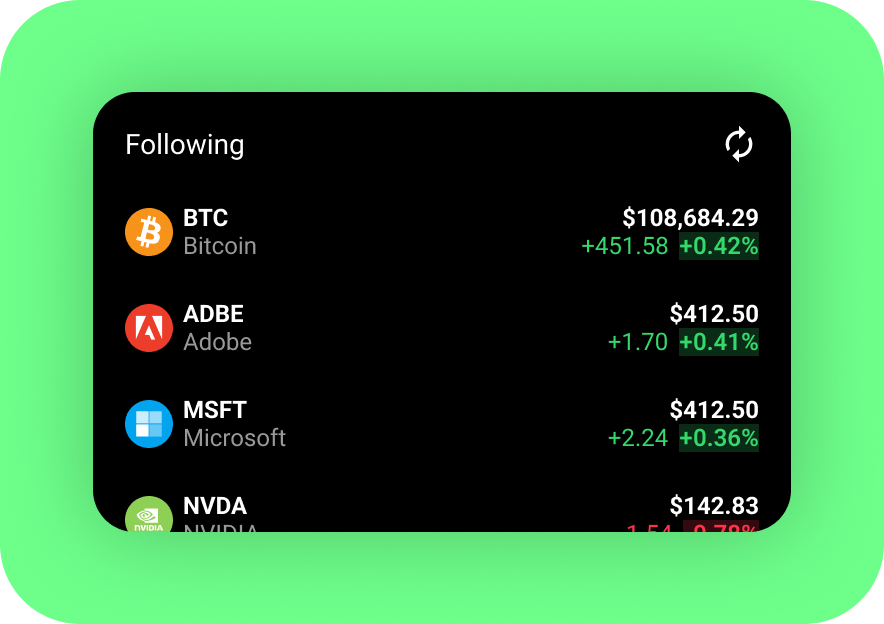
Keep tabs on everything you’re watching. The Following shows daily performance for all your followed assets, saving you time and giving you instant insights on your top picks.
4. Portfolio Widget

See your portfolio’s overall performance in real time, both for the day and across your full investment journey. Whether you’re doing a quick check or tracking progress toward long-term goals, the Portfolio Widget keeps your net worth visible and top of mind.
Ready to Widget Up?
Add Delta Widgets to your Android home or lock screen and see your investments come to life. Fast updates, zero friction. Just your portfolio, always in view.
Delta is your financial superpower.
Now it's front and center, right when you need it.
